This is the documentation for Version 2.x of our ODIN Voice Chat SDK. If you're looking for v1.x documentation, please look here. If you want to update to v2, please check our migration guide to learn how to easily upgrade your project.
Unreal Engine SDK
The Unreal Engine plugin is based on our C/C++ SDK and provides full blueprint support for Unreal Engine versions 5.3 or later. The latest version can be checked out from our Github repository:
Get ODIN from Github Get ODIN from the Fab MarketplaceSample project
We are in the process of upgrading the example project to version 2.x.
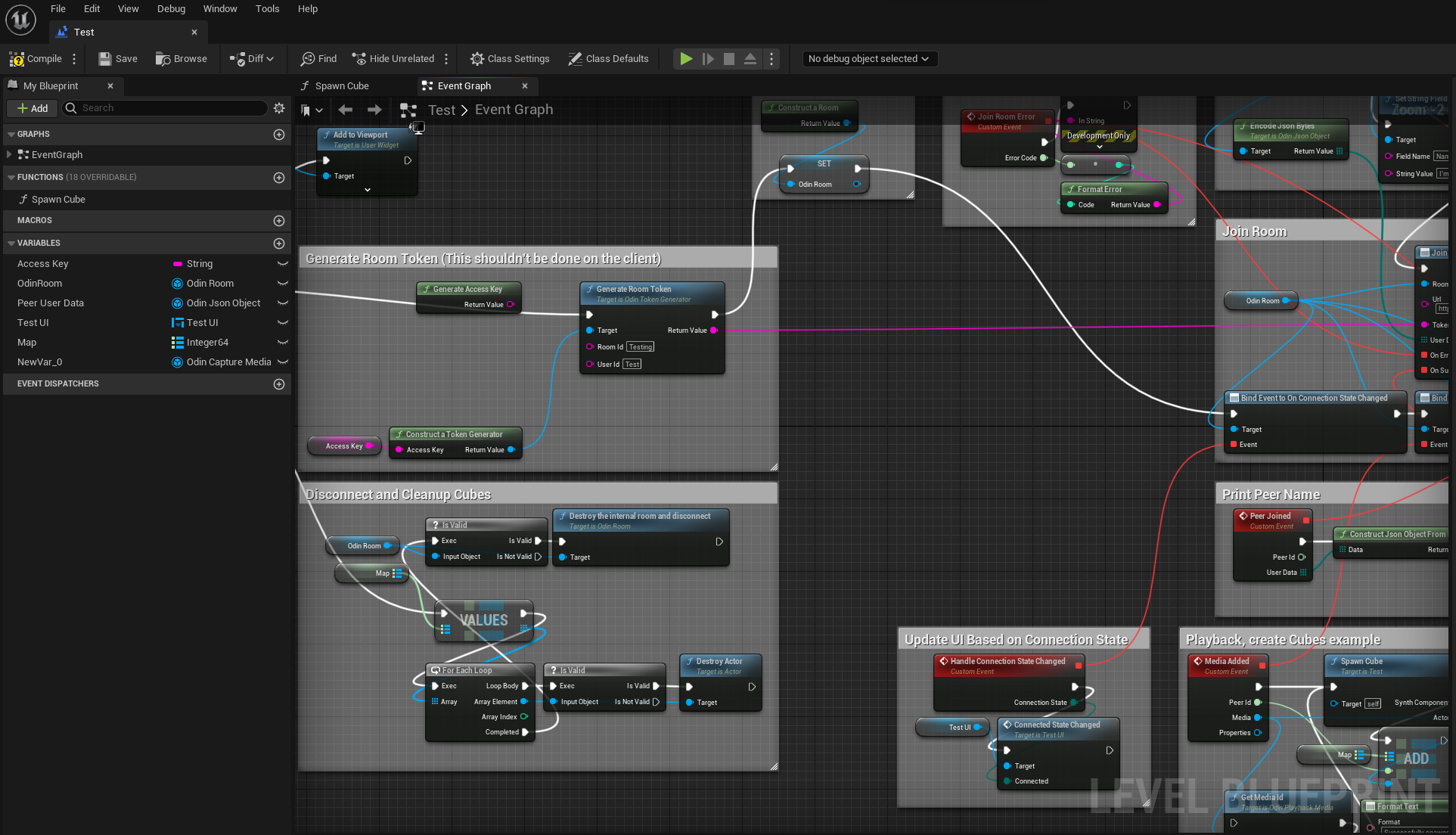
We have compiled a sample project that you can use as a reference to understand how to wire up the blueprints.
Download Unreal Sample Project Download Unreal Sample ProjectPrerequisites
- Unreal Engine 5.3 or any later version
Installing the plugin
You can install the plugin manually by downloading the source code from our Github repository or you can download it through the Epic Games Launcher, after adding the free Plugin to your Fab account.
Download the Latest Unreal ReleaseFor most projects we recommend downloading the latest release bundle for your Unreal Engine version, unzipping it and placing the contents in your projects Plugins directory.
Your project directory should then look something like: PATH_TO_UNREAL_PROJECT/Plugins/Odin
If you're new to plugins in Unreal Engine, you can find lots of information in the Unreal documentation.
When the Odin plugin is installed directly into a Blueprint Only Unreal Engine project, you may encounter an error when trying to run packaged standalone builds. This issue occurs because Unreal Engine processes Blueprint Only projects differently, and fails to correctly package C++ plugins that are installed directly within the project.
To resolve the error, you can either install the Plugin in the Engine's installation directory (e.g. by using the Unreal Marketplace version), or convert your Blueprint Only Project into a C++ project. If you need assistance performing this step, please take a look at our guidelines for addressing this issue.
Cloning from Github
To check out the SDK and use it as a project plugin, clone the git repo into a working directory of your choice.
This repository uses LFS (large file storage) to manage pre-compiled binaries. Note that a standard clone of the repository might only retrieve the metadata about these files managed with LFS. In order to retrieve the actual data with LFS, please follow these steps:
-
Clone the repository:
git clone https://github.com/4Players/odin-sdk-unreal.git -
Cache the actual LFS data on your local machine:
git lfs fetch -
Replace the metadata in the binary files with their actual contents:
git lfs checkout
Finally move the downloaded content into your projects Plugins directory. It should end up looking
like PATH_TO_UNREAL_PROJECT/Plugins/Odin/. You can of course also directly clone the repository into the target directory.
The V2 SDK uses Git LFS (Large File Storage) to manage pre-compiled binaries. You must have Git LFS installed and initialized to clone the V2 SDK from the Github repository.
If you encounter "missing dll" or linker errors, it almost always means LFS files were not fetched correctly.
Fab (Unreal Marketplace)
Simply add the free ODIN Plugin to your Fab account and download it using the Epic Games Launcher as with any other Plugin.
Get ODIN from the Fab MarketplaceUsing the plugin
Please make sure to read the introduction to have a basic understanding of how the plugin works. We have compiled a couple of use-cases for different types of games that should get you started quickly.
Manual
Implementing ODIN into your game can be done quickly and easily. We have created a manual to show you how to use them, which settings are available, and how to configure them.
Blueprint Reference
We have an extensive blueprint reference of all our nodes and functions. Check it out here.